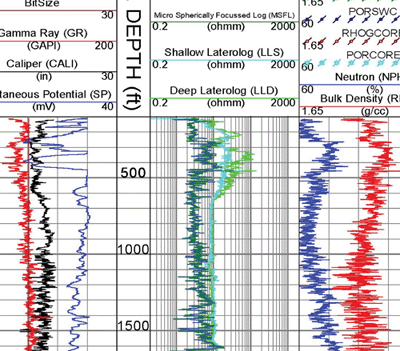
Didger当前版本:5 | 最新更新 Didger是一款独立的地图软件,用于提供数字地图。您可以使用此软件将绘制在纸上的图纸,航空照片或其他地理信息转换为数字格式。该软件允许您以数据格式文本.dat,Golden.bln,Atlas.bna,AutoCad查看各种图形对象,包括采样点,道路,溪流,森林,地区,城市等。dxf,Windows Metafile.wmf和Windows Bitmap.bmp。 Transform Data Don’t be limited by static data formats. Didger’s comprehensive digitizing, georeferencing, reprojection, tiling, and mosaicking features transform paper maps, graphs, photographs, and well logs into dynamic digital formats. Didger is a must-have tool for anyone working with inconsistent data formats. 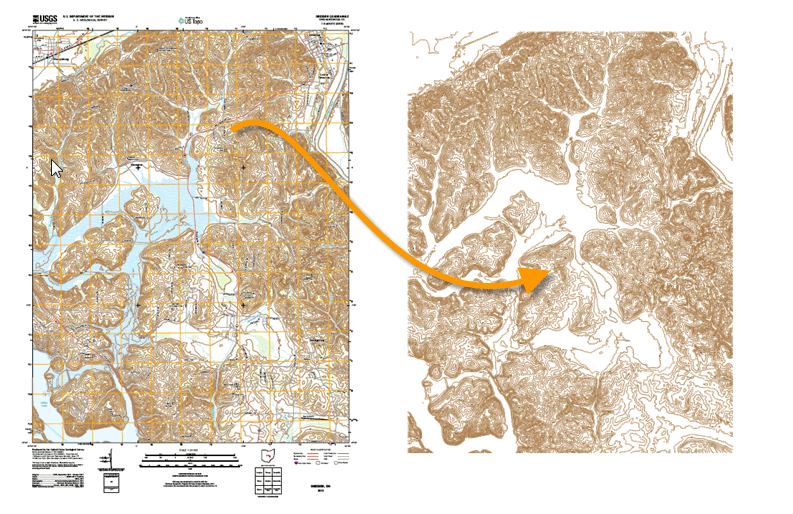 Trusted Solution Didger is a trusted solution for users across the globe. Add Didger to your geoprocessing arsenal and see why so many others trust Didger to transform their data. 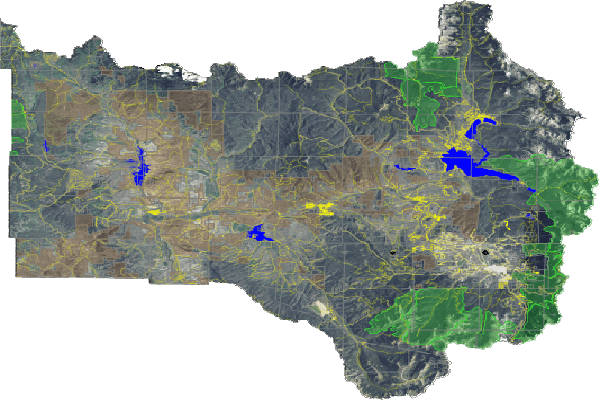 Dynamic Digitizing Save time and money with Didger. Transform paper maps, graphs, images, and logs into dynamic and modern digital formats. Didger offers both manual and automatic digitizing tools. Didger Digitizing Options
 Georeference Data Improve the accuracy of your project. Quickly transform unreferenced data files, vector data, or imagery into real-world coordinates for use in real-world projects. Didger offers 10 spatial transformation methods and automatically calculates the root-mean-square (RMS) error value to verify accuracy. Alternatively, shift features in any direction with mathematical operations. Didger automatically warps images to eliminate distortion. Didger Spatial Transformation Methods
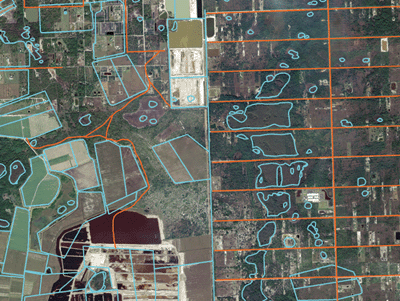 Work Seamlessly with all Coordinate Systems Transform data into dynamic formats, regardless of coordinate system. Didger effortlessly manages unreferenced data and data projected in different/multiple coordinate systems. Didger Coordinate System Features
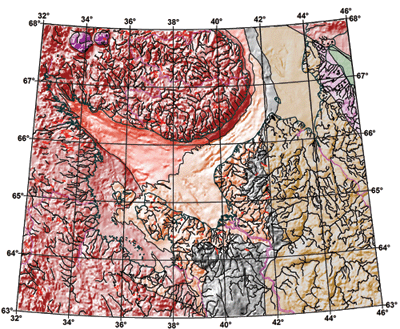 Understand Your Data Find answers to your questions with Didger’s geoprocessing tools. Process your data and analyze relationships. Narrow down areas of interest, highlight important intersections, or perform mathematical calculations on the underlying data to make informed decisions. Didger Geoprocessing Features
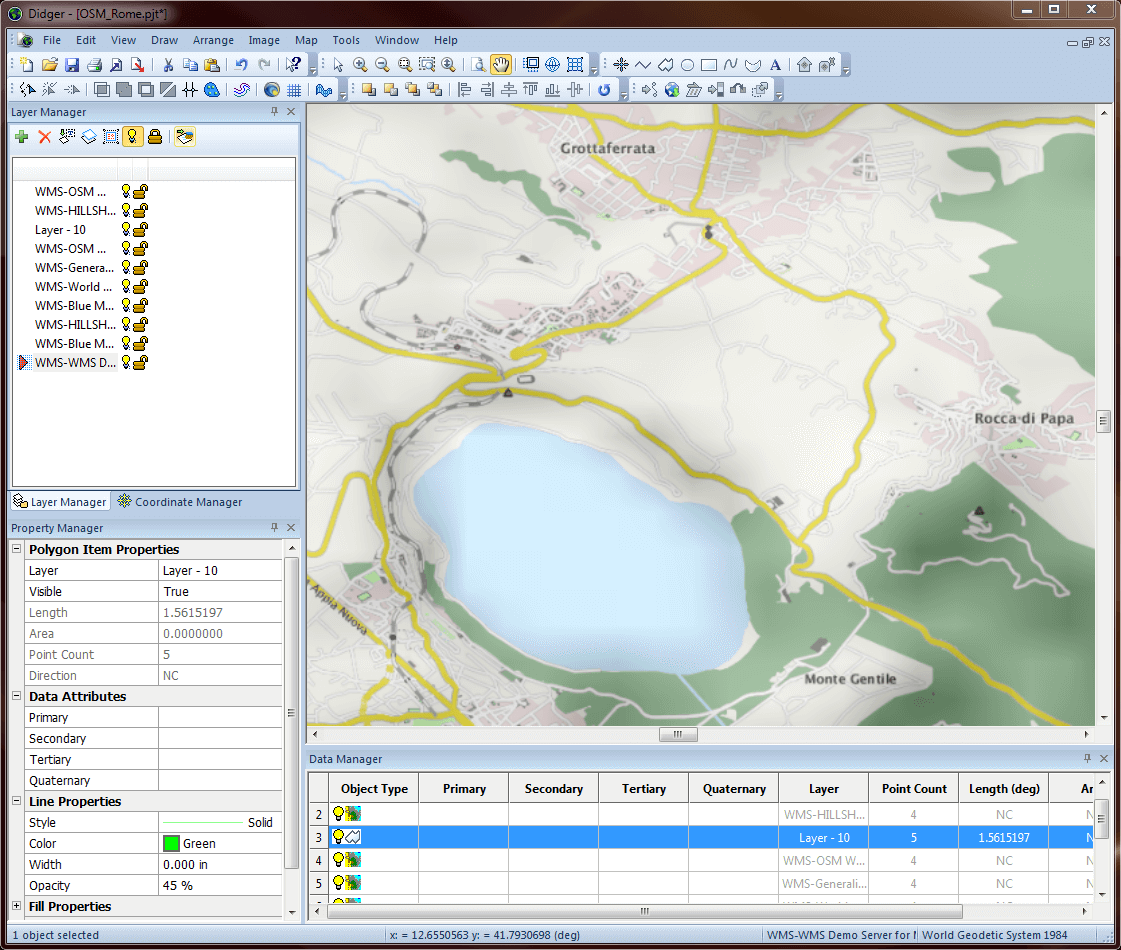
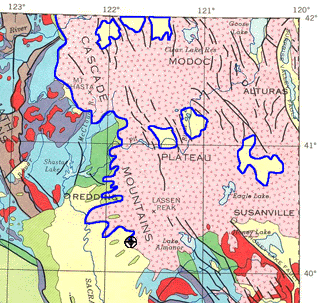 Immediate Access to Online Data An abundance of data is at your fingertips. Didger gives you immediate access to imagery from any online web mapping services (WMS), public or private. 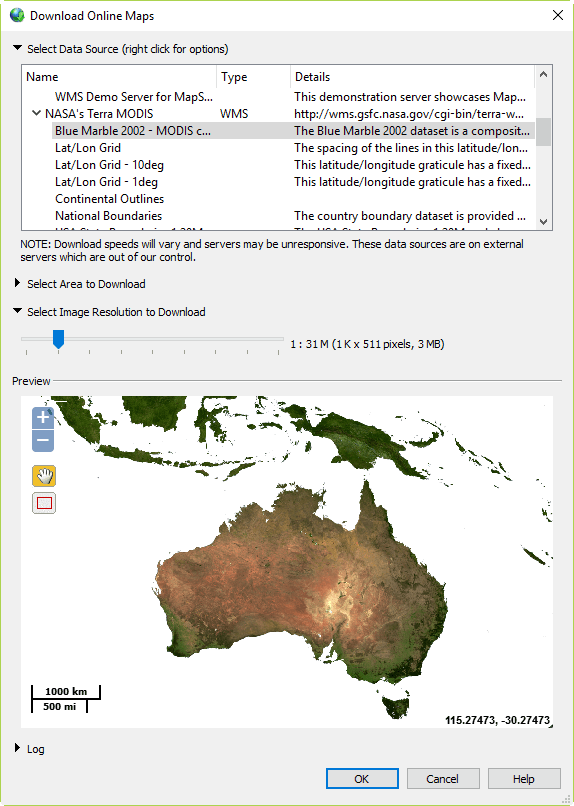 Complete Compatibility Seamlessly visualize and analyze data from multiple sources. Didger natively reads numerous file formats including SHP, DXF, PDF, TIF, and XLSX. Didger also supports all popular export formats. An extensive set of data management tools are at your disposal for complete compatibility.  Streamlined Workflows Transform your data in a matter of minutes. Didger’s easy-to-use interface steps you through the data transformation process. Didger User Interface Features
 系统需求
在线留言
尊敬的客户朋友,如您有任何意见建议,请通过下表反馈给我们,我们会尽快与您联系。
|
|
|
|||||||||||||||||||||||||
 400-621-1085